PALABRA
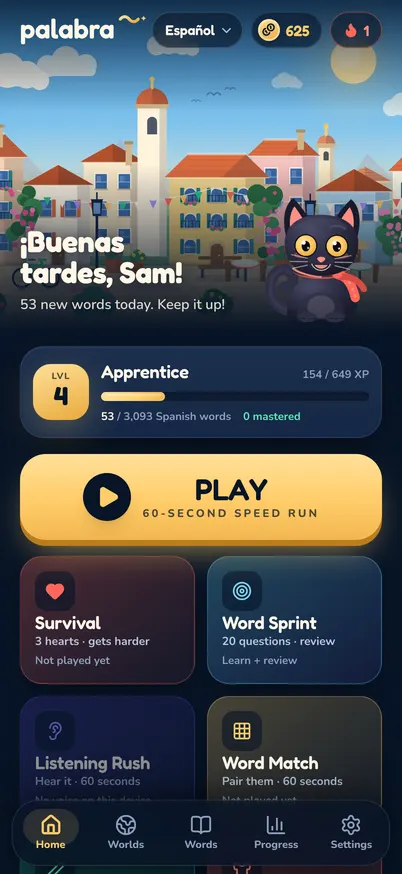
The 60-second vocabulary game for Spanish, French, Mandarin Chinese and Irish. It’s free, works offline, and has no account and no ads.
Play PALABRAHow it works
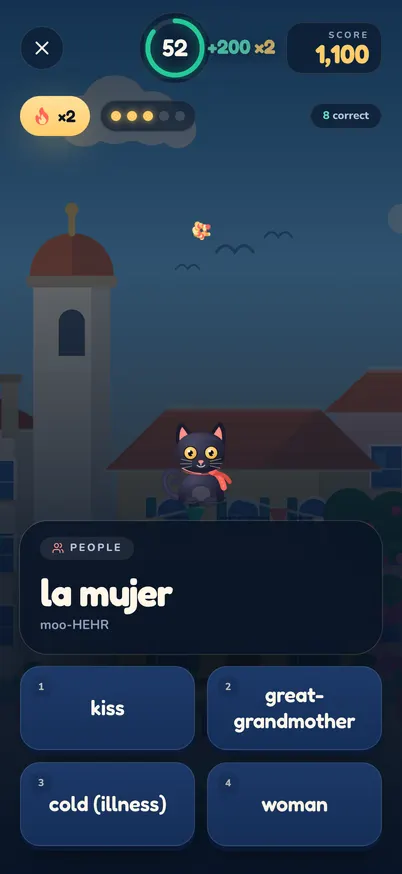
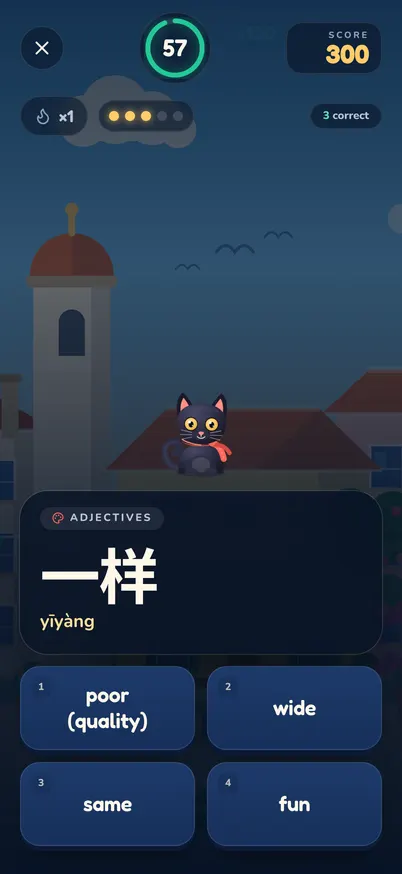
Each round takes about a minute. A word appears with four possible meanings, and you tap the right one. Quick answers in a row build a combo. PALABRA remembers every word you’ve met and brings it back just before you’d forget it (spaced repetition). A word is first learned by recognising it, then by typing it from memory and recognising it by ear.
Six ways to play
- Speed Run
- 60 seconds. How many can you get?
- Survival
- Three hearts. No timer. It gets harder at 10 and 25 correct answers.
- Word Sprint
- 20 questions that focus on the words due for review.
- Listening Rush
- Hear it, know it: 60 seconds of words spoken aloud.
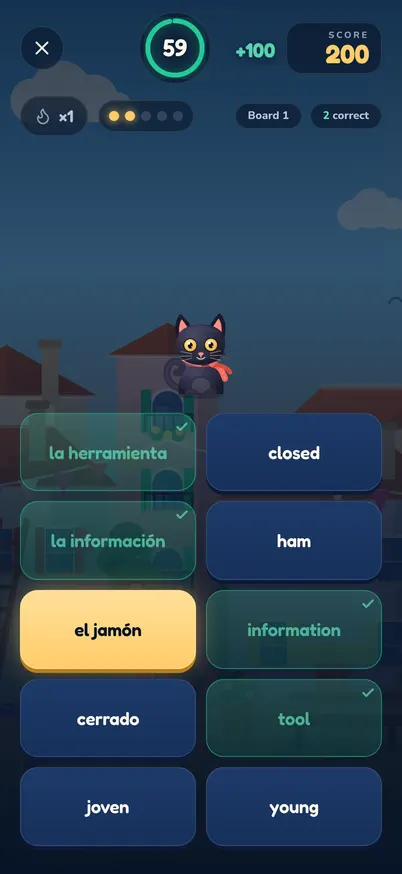
- Word Match
- Pair each word with its meaning, board after board, for 60 seconds.
- Recall Challenge
- Type 12 words from memory. Accents, fadas and pinyin tones count, and a near miss earns half points.
Four languages, 6,238 words
- Spanish: 3,093 words, with Spain and Latin American variants labelled.
- French: 1,048 words, the French of France.
- Mandarin Chinese: 1,045 words in Simplified characters, with pinyin and measure words. You can type characters or pinyin with tone numbers.
- Irish (Gaeilge): 1,052 words in An Caighdeán Oifigiúil, with noun genders and word forms checked against open linguistic data. Irish has no audio, because phones and browsers don’t include an Irish voice.
Each language keeps its own progress, so you can learn more than one.
Worlds, medals and Pala
The words are grouped into 15 illustrated worlds, from food and travel to feelings and work. Win medals for each world and for every round, chase weekly goals, and spend the coins you earn on scarves, accessories, themes and scenes for Pala, the cat who cheers you on. Coins can’t be bought: there are no purchases in PALABRA.
Play anywhere
PALABRA runs in any modern browser at palabra-app.netlify.app. On an iPhone, open it in Safari and tap Share > Add to Home Screen. It then opens full screen and works offline. An iPhone app is on the way.
Private by design
There’s no sign-up, no analytics and no tracking. Your progress stays on your device, and you can export it as a backup file. Read the privacy policy.
About the word lists
The vocabulary and example sentences were written with the help of AI language models, then checked by automated validators and separate AI reviewers. They have not yet been reviewed by native-speaker editors. If you spot a mistake, please tell us.